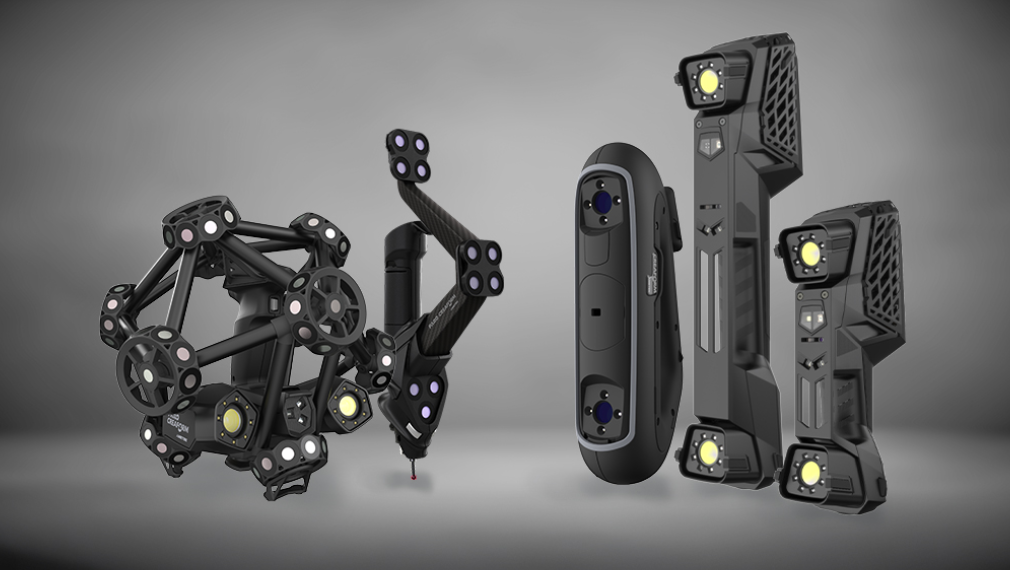
Part of the Creaform Metrology Suite™, Automation is an offline programming software module that enables non-experts in 3D scanning or robotics to obtain optimal dimensional measurements in the shortest cycle time.
With Automation’s scanning intelligence and dedicated functions, programming robot paths, and optimizing the line of sight and scanning speed become simple and easy, simplifying the deployment of automated quality control systems.
Automation is the key to more efficient robotic cell management, solving programming and security issues and helping non-experts feel more confident when working with robotic systems.
Request more information
With Automation’s scanning intelligence and dedicated functions, programming robot paths, and optimizing the line of sight and scanning speed become simple and easy, simplifying the deployment of automated quality control systems.
Automation is the key to more efficient robotic cell management, solving programming and security issues and helping non-experts feel more confident when working with robotic systems.
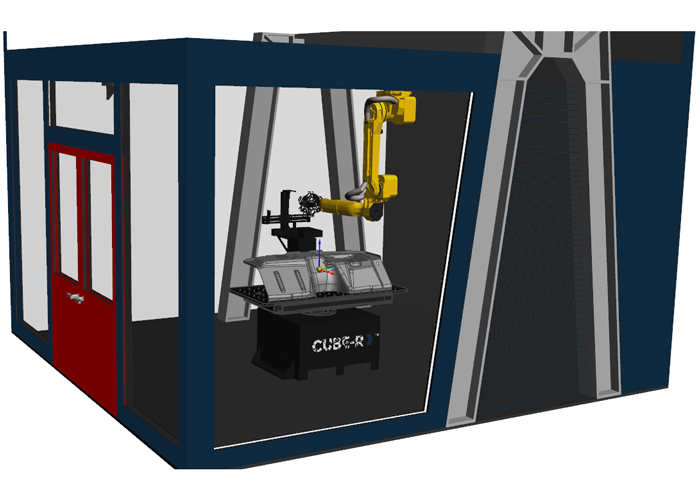
Choose your robotic cell
STEP 1
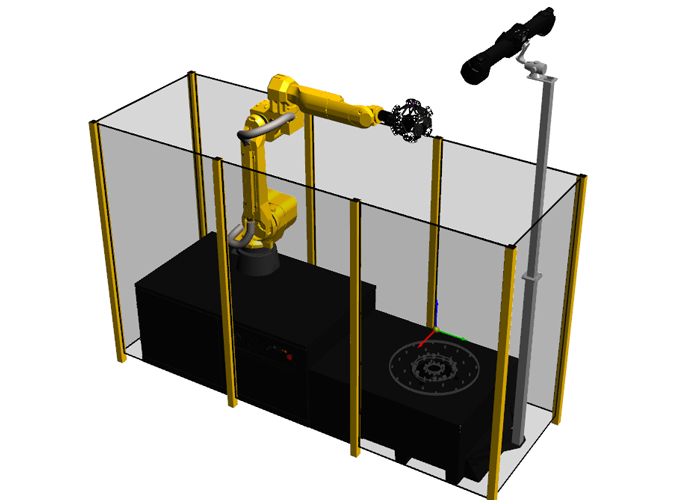
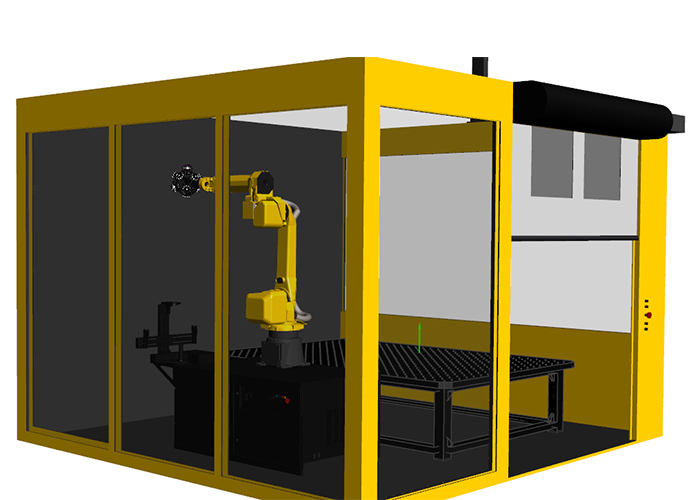
You can opt for a complete turnkey solution or your own personalized robotic cell compatible with Automation. Configure your robotic cell by importing CAD files for your safety enclosure and turntable, then define the C-Track position, calibration paths, and other key parameters.
Highly flexible software platform for configurable layout
Complete project validation (robot reachability, collision detection, etc.)
Highly flexible software platform for configurable layout
Complete project validation (robot reachability, collision detection, etc.)
Program the robot
STEP 2
Automation uses CAD models for optimal sensor positioning and automatic path generation from surfaces, edges, or points. Paths can also be planned from an Inspection plan, a predefined shape, or manually via jog, while avoiding collisions and singularities.
CAD alignment
Parametric programming with surface, edge, point picking
Automatic trajectory creation from Inspection plan and 3D shape
Jog feature
CAD alignment
Parametric programming with surface, edge, point picking
Automatic trajectory creation from Inspection plan and 3D shape
Jog feature
Simulate + Validate
STEP 3
Automation uses realistic simulations to generate collision-free, singularity-free robot paths optimized for the scanner's performance.
Scan simulation
Connection to robot
Collision detection and avoidance
Program execution
Scan simulation
Connection to robot
Collision detection and avoidance
Program execution
Measure
STEP 4
Automation guides shopfloor operators in the execution of their tasks when measuring parts.
Automatic photogrammetry
3D scanning with automatic mesh generation
Smart resolution capability
Hold and resume programs
Automatic photogrammetry
3D scanning with automatic mesh generation
Smart resolution capability
Hold and resume programs
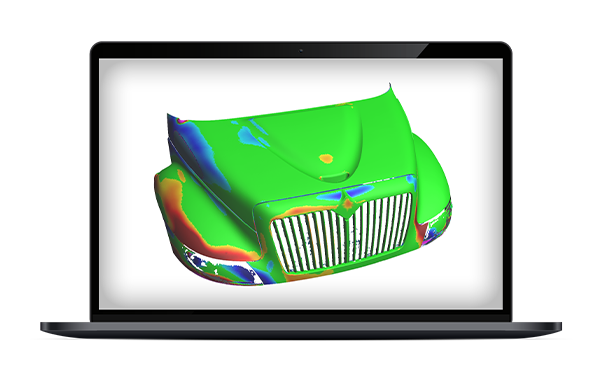
Transfer to inspection software
STEP 5
Perfect for standardization, Automation is compatible with leading inspection software products.
Inspection software module
Polyworks
Metrolog X4
Inspection software module
Polyworks
Metrolog X4
Three software modules
More than just robot programming software, Automation Plan provides a complete environment for project preparation, Automation Execute delivers the program suite for work execution, and Automation Process enables parallel execution of inspection and data processing.
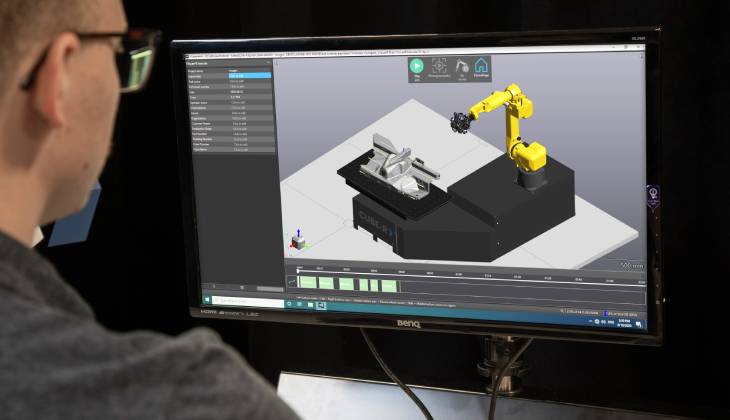
Automation - Plan
Import CAD, configure scanning parameters, create robot paths, simulate scans, and export simulations to metrology software.
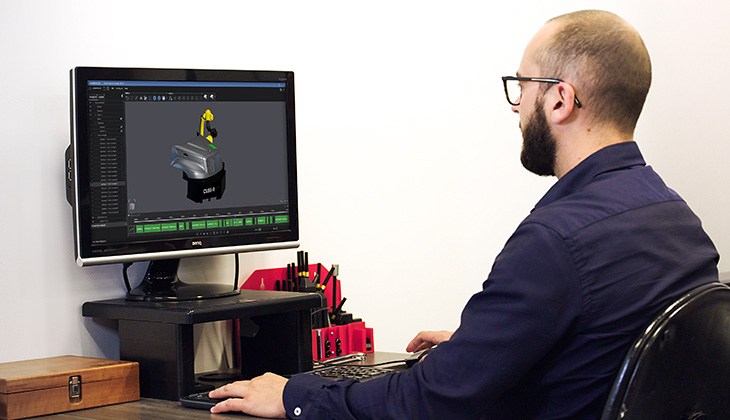
Automation - Execute
Import part parameters, start the measuring program, and change parts when the robot has returned to its home position.
Automation - Process
Eliminate system downtime during data processing and proceed with continuous scanning, saving up to 40% in cycle time.
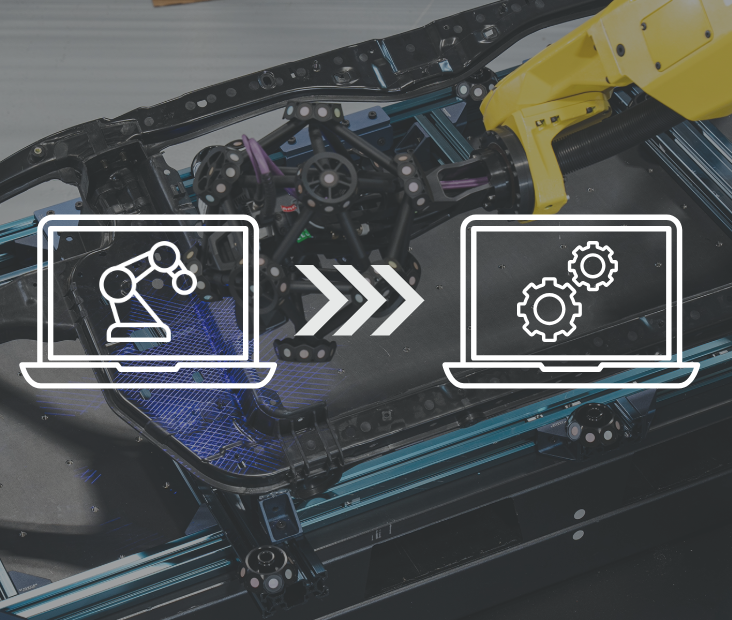
Looking for the simplest programming and acquisition solution for automated quality control?
Witness how Automation, with its scanning intelligence and dedicated functions, can easily program robot paths and simplify the deployment of your automated inspection solution.
Compatible with metrology software


Compatible with industrial and collaborative robots




Discover how Automation can boost efficiency and productivity across your entire organization.
See how simple and easy it is to program robot paths and configure scanning parameters.
FAQ Automation software module
-
Yes. The Automation module can be used to evaluate and refine existing automated inspection workflows by testing alternative robot paths, scanner positions, and measurement strategies in a virtual environment before making changes on the production floor.
-
By allowing users to create, validate, and optimize inspection routines offline, the Automation module reduces the time required to configure and test programs directly on production equipment, thereby accelerating deployment.
-
Yes. The Automation module allows users to compare different scanning strategies, robot trajectories, and inspection sequences within a virtual environment. This helps identify the most efficient inspection approach before deploying it to the production floor.
-
The Automation module enables users to update, test, and optimize inspection programs in a digital environment before implementing changes on production equipment. This helps organizations improve inspection efficiency while minimizing disruptions to ongoing operations.
-
The Automation module provides a shared digital environment where inspection strategies, robot movements, and measurement requirements can be reviewed and validated before deployment. This helps improve communication and alignment between teams and throughout automation projects.
-
The Automation module allows existing inspection programs to be updated and validated within the digital environment. This helps manufacturers adapt automated quality control routines to perform revisions while reducing programming effort and deployment time.
Related information
Explore our professional and industrial 3D scanners
We have a proven and patented 3D scanning solution tailored to your needs and applications.